
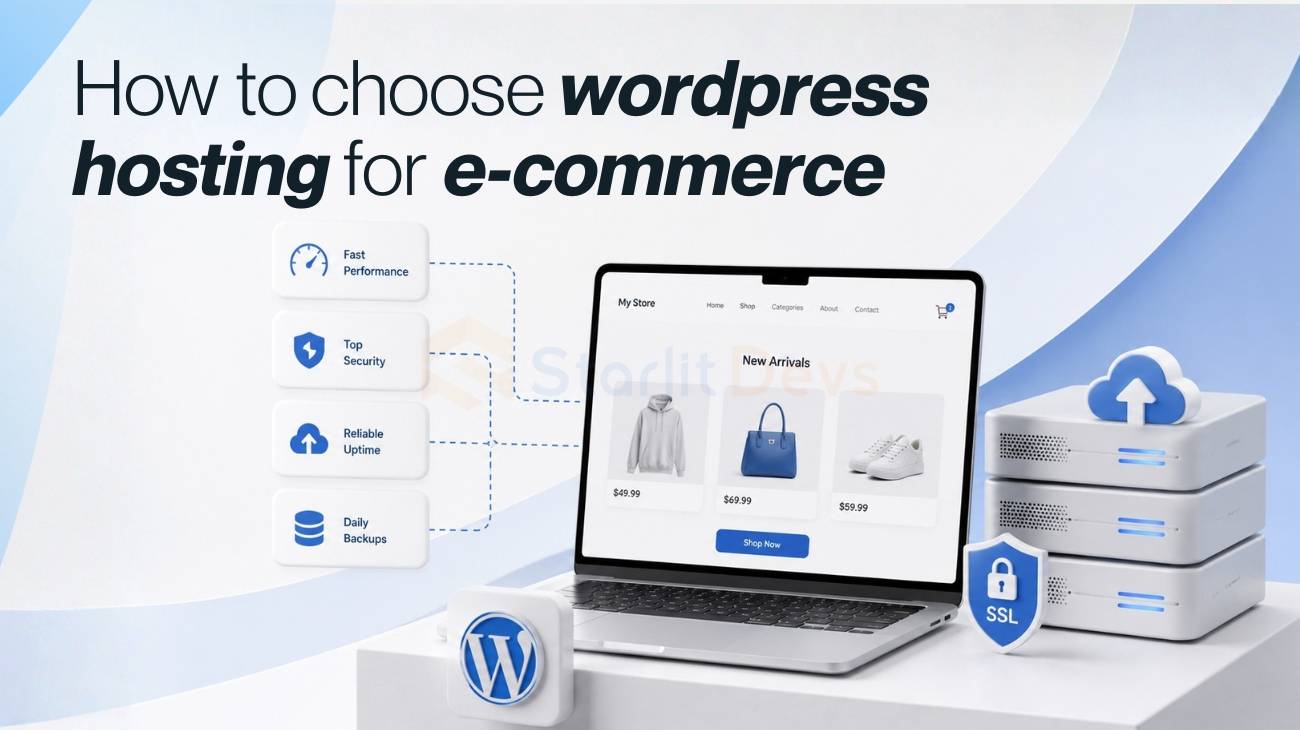
Your host is the one part of your store that customers never see and always feel. When checkout loads in under a second, nobody notices. When it hangs for four seconds during your biggest sale of the year, everybody notices, and a chunk of them leave without buying anything. That’s the entire case for taking WordPress hosting for ecommerce seriously instead of treating it as a line item you set once and forget.
Almost half of shoppers expect a page to load in two seconds or less, and once you cross the three-second mark, most of them are gone. Roughly 80% of people who have a slow shopping experience won’t come back to try again, and a good chunk will mention it to friends. That’s not a hosting stat. That’s a revenue stat wearing a hosting costume.
So this guide walks through how to choose WordPress hosting for ecommerce the way you’d actually shop for it: what matters, what it costs at each stage, what to watch for as you grow, and the parts of this decision that most buying guides skip entirely, like migration, platform comparisons, and what happens once your store starts selling in more than one country.
Why your WordPress hosting choice actually matters
It’s tempting to think of hosting as a commodity, especially early on. Any server can technically run WordPress. But WordPress hosting for ecommerce isn’t the same job as hosting a blog, and the gap between a plan built for a static site and a plan built for a store shows up in four places.
Load times are the obvious one. Every extra second between the click and page render costs you conversions, and that’s before you even factor in Google’s use of speed as a ranking signal.
Reliability is next: if your host goes down during a flash sale, that’s not a bad day; that’s lost revenue you can’t get back. Scalability matters because ecommerce traffic doesn’t arrive evenly. A single email blast, a TikTok mention, or a holiday sale can multiply your normal traffic fivefold in a matter of minutes, and your host either absorbs it or your site falls over.
And security matters more here than almost anywhere else in web hosting, because you’re not just protecting a blog, you’re protecting customer payment data.
None of this means you need the most expensive plan on the market. It means the cheapest plan is rarely the right starting point once real money is changing hands on your site.
The types of hosting you'll actually run into
Before comparing specific plans, it helps to know what you’re choosing between, because “WordPress hosting for ecommerce” gets sold under a handful of different technical models.
Shared hosting is the cheapest option, and it works by putting your site on a server alongside many other accounts. It keeps costs low, but performance suffers when a neighboring site on that server has a traffic spike, since you’re all pulling from the same pool of resources. A virtual private server, or VPS, still shares a physical machine with other accounts, but each one gets its own isolated, dedicated slice of resources, so a neighbor’s bad day doesn’t become yours.
Cloud hosting works similarly to VPS but spreads your site across a network of servers instead of one machine, which tends to make it more resilient and easier to scale. Dedicated hosting gives you an entire physical server, which used to be the top tier but has mostly been overtaken by cloud hosting for anything that needs to scale.
Then there’s managed WordPress hosting, which isn’t really a fifth category so much as a layer on top of any of the above. A managed plan handles updates, backups, and WordPress-specific optimization for you, and it’s usually the most sensible entry point if you’re running a store and don’t want to also become a part-time server administrator.
For most people asking about how to choose WordPress hosting for ecommerce, the real decision isn’t shared versus dedicated. It’s whether to go with a general-purpose managed WordPress host or one that’s specifically built and tuned around WooCommerce or another ecommerce plugin.
The specs that actually matter for an ecommerce store
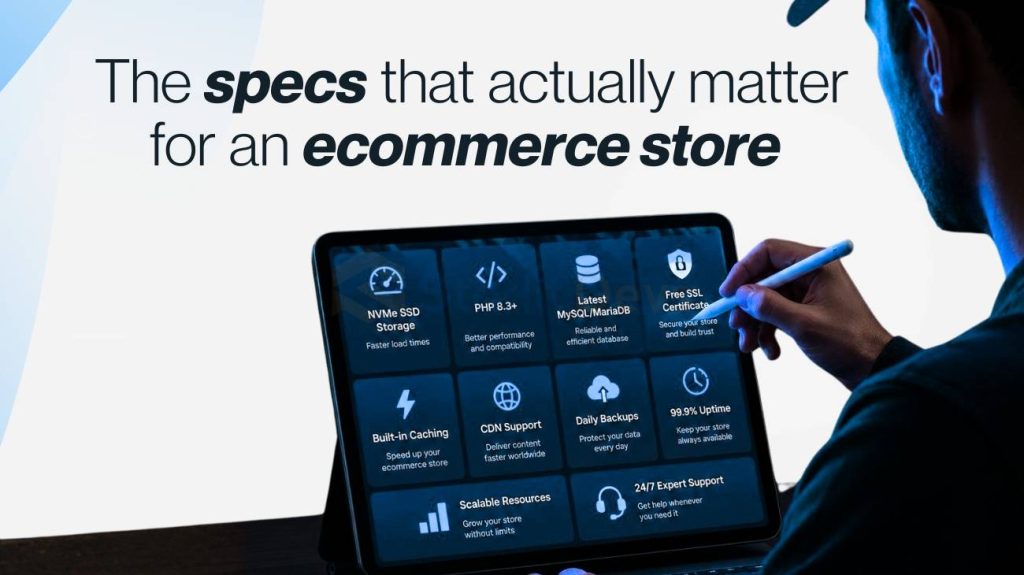
This is where a lot of guides get vague, and it’s worth being specific, because these five things determine whether your store holds up under real customer traffic.
PHP workers are the mechanism that takes your site’s code, pulls in your product data, prices, and inventory, and renders it into the page a customer sees. Every checkout, every product page load, uses a worker behind the scenes, and if you don’t have enough of them, customers start queuing behind each other invisibly. Look for a host that offers at least five to ten dedicated workers rather than a vague “unlimited” promise.
Object caching saves your database from having to answer the same question over and over, like “what’s the price of this SKU,” every single time a page loads. Without it, every page view triggers a fresh database round-trip, and your site slows down as your catalog and traffic grow.
A built-in content delivery network, or CDN, matters for two reasons: it serves your static assets like product images from servers close to the shopper, and a good one can also cache and serve your fully rendered pages, freeing up your PHP workers for the pages that actually need to be built fresh, like checkout and cart.
Vertical scaling is what keeps your store online during a spike you didn’t plan for. A capable host adds resources automatically when a promotion or a viral moment sends traffic through the roof, without you having to notice or intervene in the moment.
And ecommerce-specific support is different from general WordPress support. A support agent who understands WooCommerce, Shopify’s WordPress integrations, or whatever plugin runs your cart can diagnose a checkout problem in minutes. A generalist support agent might spend an hour ruling out things that were never the issue.
Database capacity and concurrent request handling deserve a mention here too, since they get overlooked in favor of flashier specs. Your product catalog, customer accounts, and order history all live in a database, and if a host can’t handle a lot of simultaneous requests hitting that database, your site will slow down exactly when you need it most: during a sale.
What does WordPress hosting for ecommerce cost, by stage
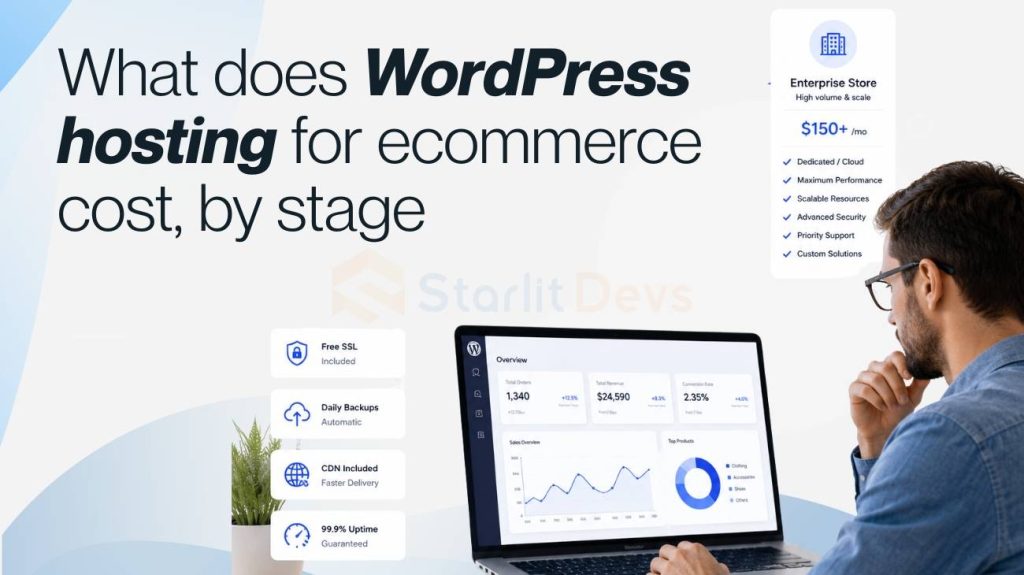
Pricing conversations around WordPress hosting for ecommerce tend to be either too vague (“it depends”) or misleadingly specific (a single number that ignores your actual traffic). Here’s a more honest breakdown of where your store actually is.
Just getting started, under $10,000 a month in revenue
You don’t need dedicated servers or enterprise SLAs yet. You need WooCommerce or your ecommerce plugin pre-installed, SSL by default, automatic backups, and a host that won’t go down on a normal day. Budget shared or entry-level managed WordPress hosting in the $20 to $30 a month range covers this, and options like WordPress.com’s ecommerce plan or Bluehost’s WooCommerce starter plans are built for exactly this stage. Don’t overpay for headroom you won’t use for a year.
Growing store, $10,000 to $500,000 a month, or heavy seasonal spikes
This is where slow checkout starts costing you real, measurable money, and where the non-negotiables become automatic vertical scaling, object caching, a built-in CDN, and support staff who understand your stack instead of reading from a script. Expect to pay somewhere in the $50 to $100+ a month range at a host like Pressable or Convesio, both of which specialize in WooCommerce and can absorb a sudden traffic multiplier without you lifting a finger. What you don’t need yet: a dedicated account manager or multi-region infrastructure, unless you’re already selling across continents.
Large store, multi-million dollar revenue, global audience
At this point, WordPress hosting for ecommerce stops being purely a technical decision and becomes a legal and operational one too. You need custom SLAs, compliance documentation like SOC 2, GDPR, and PCI, dedicated infrastructure, and a support team assigned to your environment rather than a shared queue. WordPress VIP is the standard reference point here, and if you’re not sure whether you need something at this level, you probably don’t yet.
Across every tier, compare entry-level pricing, not just the upgrade tiers hosts love to advertise. Start with what fits the store you have today, and treat upgrading as a normal part of growing rather than a failure of planning.
Security: The part you can't retrofit later
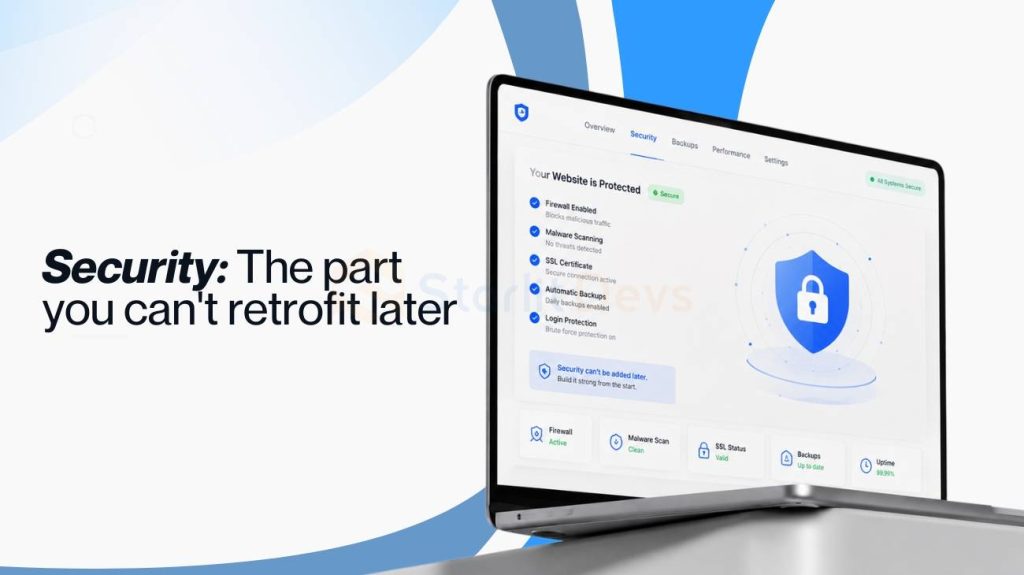
Every ecommerce store handles customer data that a blog never has to think about: names, addresses, and payment details. SSL is table stakes at this point, and any WordPress hosting for ecommerce plan worth considering includes it by default rather than as a paid add-on.
If your store handles a meaningful volume of transactions, an extended validation SSL certificate adds a layer of verified business identity on top of standard encryption, which can matter for customer trust as much as for the encryption itself.
Beyond SSL, look for a host that includes malware scanning, a web application firewall, and DDoS protection as part of the plan rather than as an upsell. And if you accept payments directly rather than through a hosted checkout page, ask specifically about PCI compliance support, since that’s a requirement that catches a lot of growing stores off guard.
Signals you've outgrown your current host
Outgrowing a host is a good problem; it means the store is working. The signals are usually specific and measurable rather than vague:
Checkout time to first byte is consistently sitting above 800 milliseconds. Your WordPress admin dashboard slows down noticeably once your catalog crosses a few thousand products or your order history passes five figures. A site that slows down or throws 502 errors during a promotion, even once.
A support team that asks you to disable plugins to diagnose a slowdown instead of finding the actual cause. Hesitating before adding a new extension because you’re worried about what it’ll do to performance. Needing SSH access and not having it. And getting hit with surprise overage fees after a week that was, by every other measure, a win.
Any one of these on its own isn’t an emergency. Two or three together mean it’s time to shop.
The migration question nobody wants to answer in detail
Here’s something most WordPress hosting for ecommerce guides mention in a single sentence and move past: actually moving your store is often the real blocker, not the monthly bill. If you’re migrating from Shopify, BigCommerce, or a legacy host, you’re not just moving files; you’re moving a live product catalog, customer accounts, order history, and often payment gateway configurations, all while trying not to take checkout offline during business hours.
A reasonable migration plan involves staging the new environment fully before touching DNS, testing checkout and payment processing on the staging domain with real test transactions, checking that every plugin and extension still works in the new environment, and only then cutting over DNS during a low-traffic window with a rollback plan ready.
Most quality hosts at the managed tier will do the heavy lifting of this for you, but ask about it explicitly before you sign up. “We help with migration” and “we’ll build your staging site, test your checkout, and cut over DNS with zero downtime” are two very different promises.
How does this compare if you're not committed to WooCommerce yet
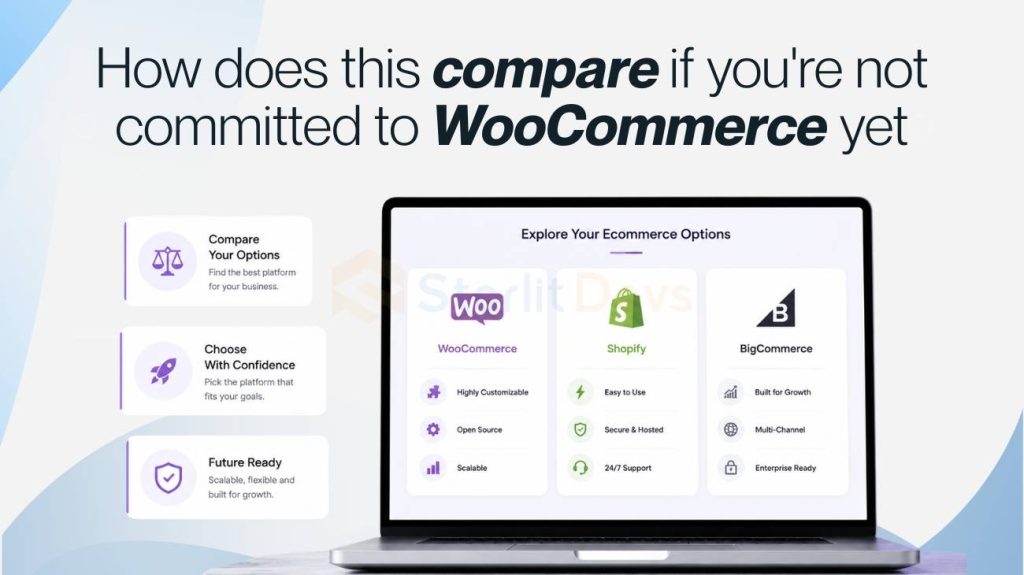
Most WordPress hosting for ecommerce content assumes you’ve already picked WooCommerce, but plenty of people comparing hosts are still comparing platforms too. If you’re weighing WordPress and WooCommerce against Shopify or BigCommerce, the hosting calculation changes.
Shopify and BigCommerce hosting is bundled into the platform fee, so you’re not shopping for a host at all; you’re accepting whatever infrastructure they run. That’s simpler but less flexible: you can’t switch hosts if performance disappoints you, and you’re paying for infrastructure whether or not you’re using all of it.
WordPress and WooCommerce split that decision in two, which is more work upfront but means you’re never locked into a host that isn’t serving your store well. If you outgrow one host or get unhappy with performance, you can move your entire store to a different one without touching your storefront, theme, or plugins. That flexibility is the actual argument for WordPress hosting for ecommerce over an all-in-one platform, more than any specific feature.
Selling internationally? Add this to your checklist
Almost nobody writing about WordPress hosting for ecommerce mentions what changes once you start selling in more than one country, which is a real gap given how many growing stores end up there quickly. Multi-region hosting, where your site is served from data centers closer to customers in different parts of the world, can meaningfully cut load times for international shoppers instead of routing every request back to a single origin server.
Currency and tax complexity also touch your hosting decision more than people expect. If you’re running multi-currency pricing or region-specific tax calculation plugins, those add real processing overhead per page load, which means the “enough PHP workers” conversation from earlier gets more important, not less.
And if you’re selling into the EU or handling EU customer data at all, GDPR compliance isn’t just a legal checkbox; it affects where your host can legally store customer data, which is worth confirming before you sign a contract rather than after.
What about headless or app-based storefronts
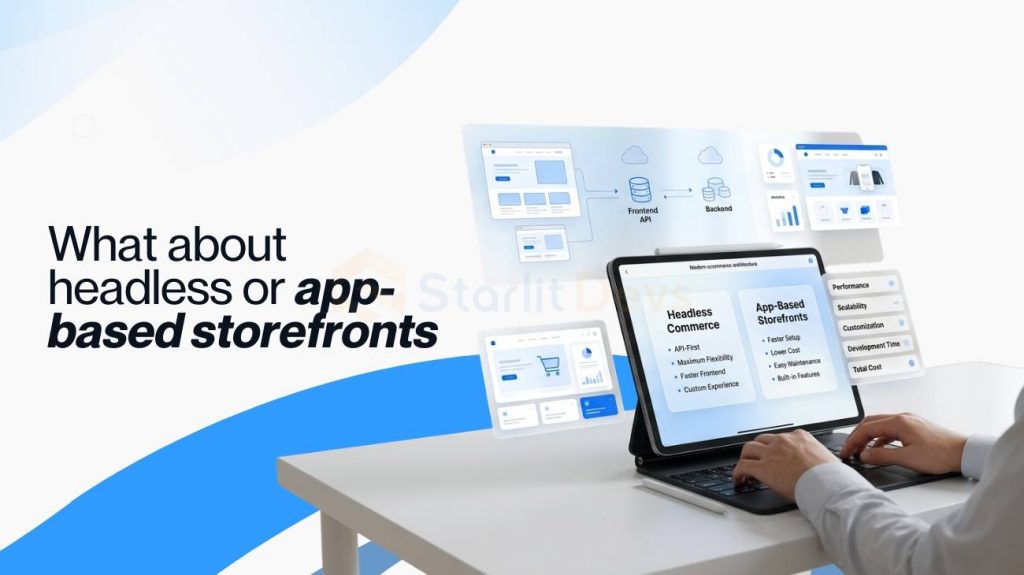
A smaller but growing group of stores are moving toward headless setups, where the storefront customers see is built separately from the WordPress backend that manages products and orders, connected through an API.
This is still uncommon enough that most WordPress hosting for ecommerce advice assumes a traditional theme-based storefront, but if you’re on this path, or thinking about it, ask hosts directly about API request limits and rate limiting, since a headless setup can generate a different traffic pattern than a standard storefront and some hosting plans aren’t built to expect it.
Putting it together
Here’s how to choose WordPress hosting for ecommerce, in short: match the plan to the store you actually have, not the store you hope to have in three years. Start with what fits your current traffic and budget, keep an eye on the specific signals that tell you it’s time to move up, and don’t sign anything without a clear answer on migration support, security defaults, and how the plan handles a sudden spike in traffic.
The mistake almost everyone makes is either overpaying early for headroom they don’t need yet or staying on a budget plan two growth stages too long because switching feels like a hassle. Neither one is really a hosting problem. Both are planning problems that good WordPress hosting for ecommerce, chosen deliberately instead of by default, solves before it becomes urgent.

Founding Starlit Devs has allowed us to extend our expertise globally, serving over 500 clients, including Fortune 1000 companies, with custom web development services. Our commitment to delivering exceptional design and development is coupled with a deep understanding of SEO, which has been pivotal in empowering businesses to achieve maximum online engagement and brand growth. At Starlit Devs, we take pride in our mission to provide websites that stand out in a competitive digital landscape and drive tangible results for our clients.
- Mahfuz M
