
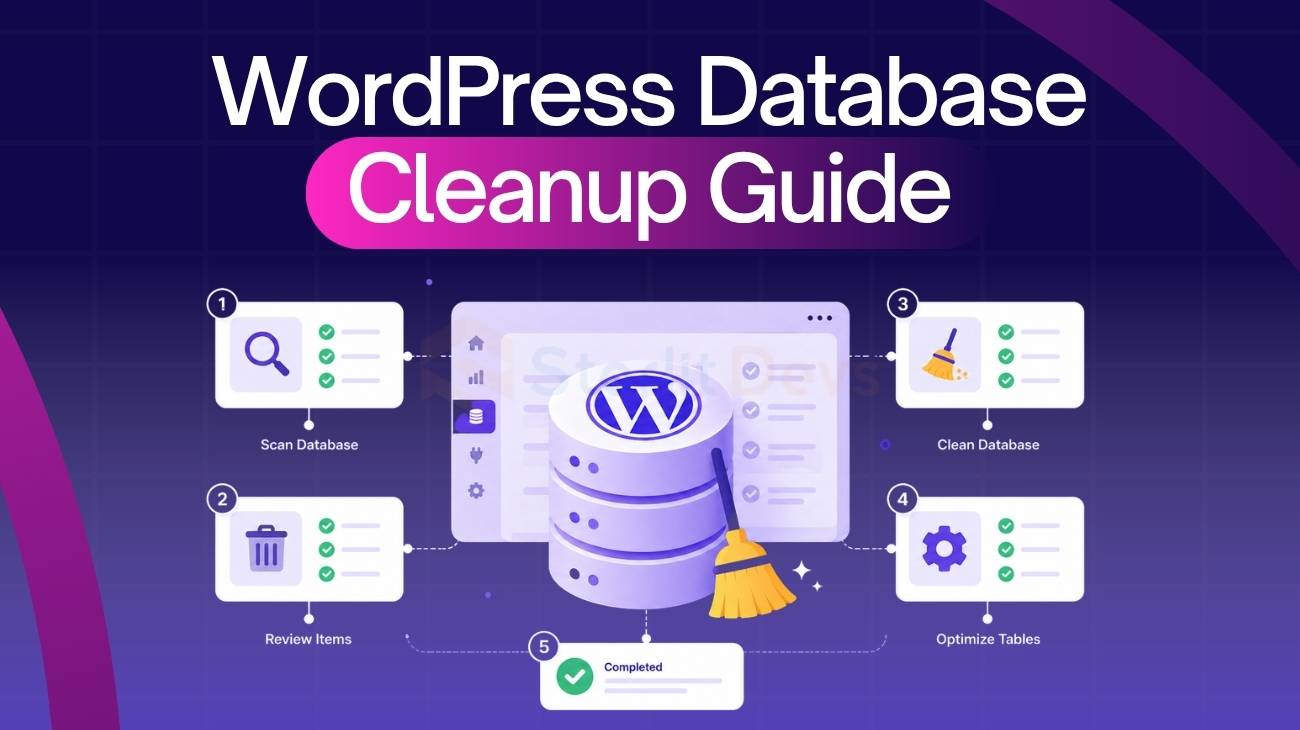
A slow WordPress site is often blamed on hosting or heavy themes. In many cases, the real issue sits deeper in your database.
As your site grows, it collects revisions, drafts, transients, and leftover plugin data. This buildup slows queries, increases server load, and impacts both frontend speed and backend performance.
This WordPress database cleanup guide shows you how to safely remove that clutter, optimize your database, and maintain long-term performance. Whether you manage a single site or multiple client projects, these steps will help you keep WordPress running efficiently.
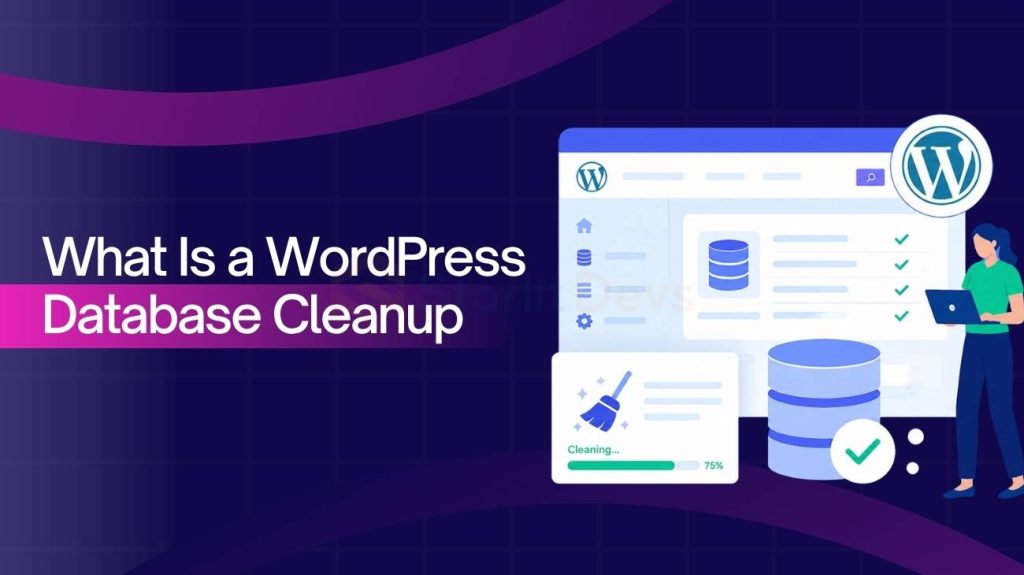
What Is a WordPress Database Cleanup Guide?
A WordPress database cleanup guide is a structured process for removing unnecessary data to improve performance, speed, and stability.
Over time, every WordPress database collects unused data, leading to database bloat. This typically includes:
- Post revisions
- Auto-drafts
- Spam and trashed comments
- Expired transients
- Orphaned metadata from deleted plugins or themes
While each may seem minor, together they slow down queries and increase server load.
A proper cleanup focuses on:
- Identifying unnecessary data
- Safely removing it
- Optimizing database tables
- Maintaining long-term performance
For agencies and developers, this is not just maintenance. It’s a key optimization strategy that impacts speed, user experience, and conversions.
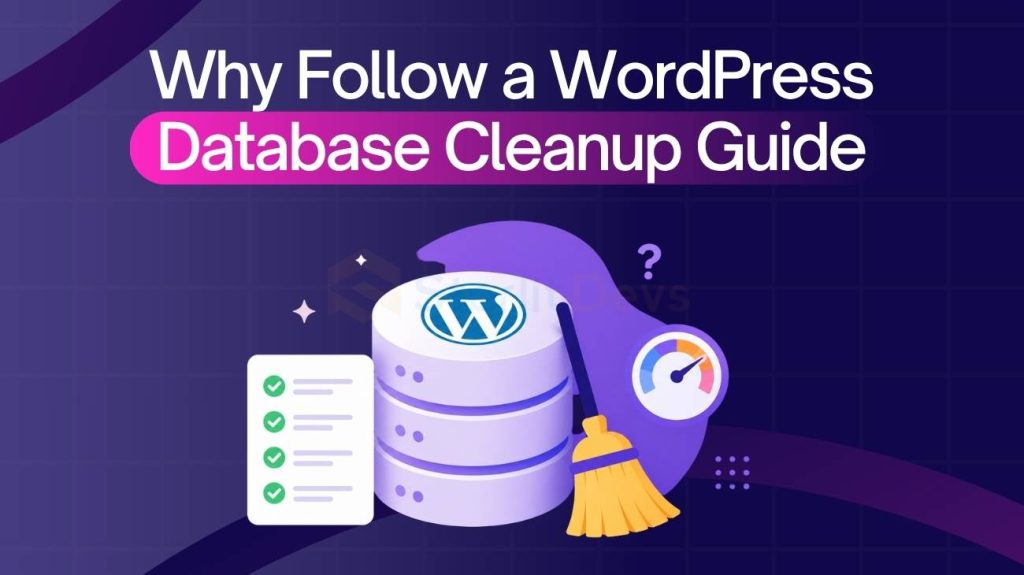
Why Follow a WordPress Database Cleanup Guide for Performance?
A WordPress database cleanup guide is essential for maintaining fast load times and efficient performance as your site grows.
As unnecessary data builds up, WordPress takes longer to process requests, slowing down page speed. Even a 1-second delay can reduce conversions by up to 7%.
Database bloat leads to:
- Slower page load times
- Increased server load
- Sluggish dashboard performance
- Reduced scalability
A clean database ensures:
- Faster queries
- Lower server strain
- Better caching efficiency
- Smoother backend experience
While caching and CDNs help, database cleanup improves the core performance layer. That’s why it should be part of your regular optimization routine, not a one-time fix.
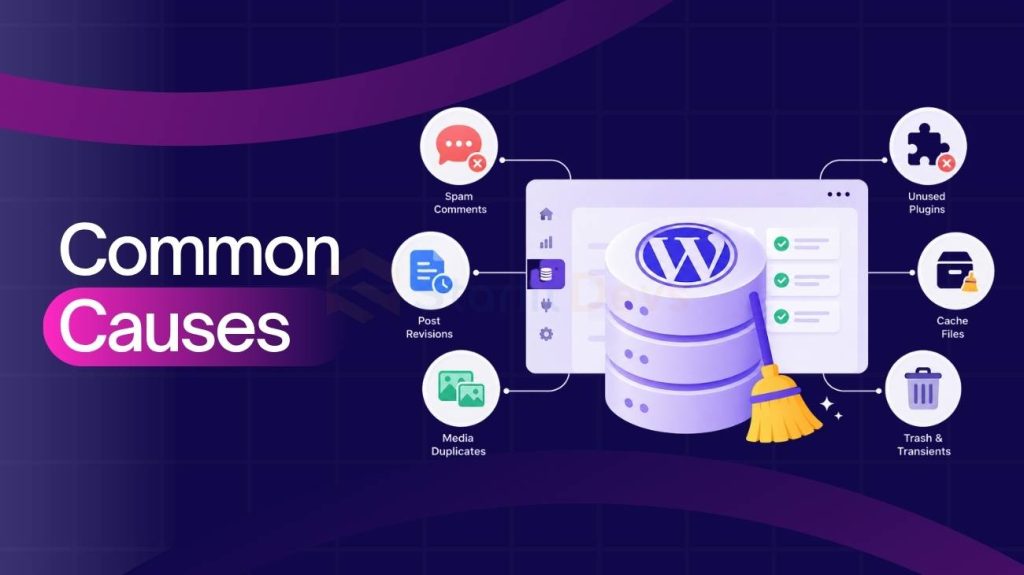
Common Causes Covered in a WordPress Database Cleanup Guide
A WordPress database cleanup guide helps identify the main sources of database bloat so you can remove them safely.
Most issues come from small data buildup over time, not a single problem.
Common causes include:
- Post revisions: Multiple saved versions from edits
- Auto drafts: Unpublished drafts stored automatically
- Spam and trashed comments: Unused comment data
- Transients: Expired temporary cache data
- Orphaned metadata: Leftovers from deleted plugins/themes
- Plugin tables: Data that remains after uninstalling plugins
- wp_options bloat: Excess autoloaded and expired settings
These accumulate and slow down queries, affecting overall performance.
For agencies and developers, the key is not just identifying them, but knowing what to safely remove.
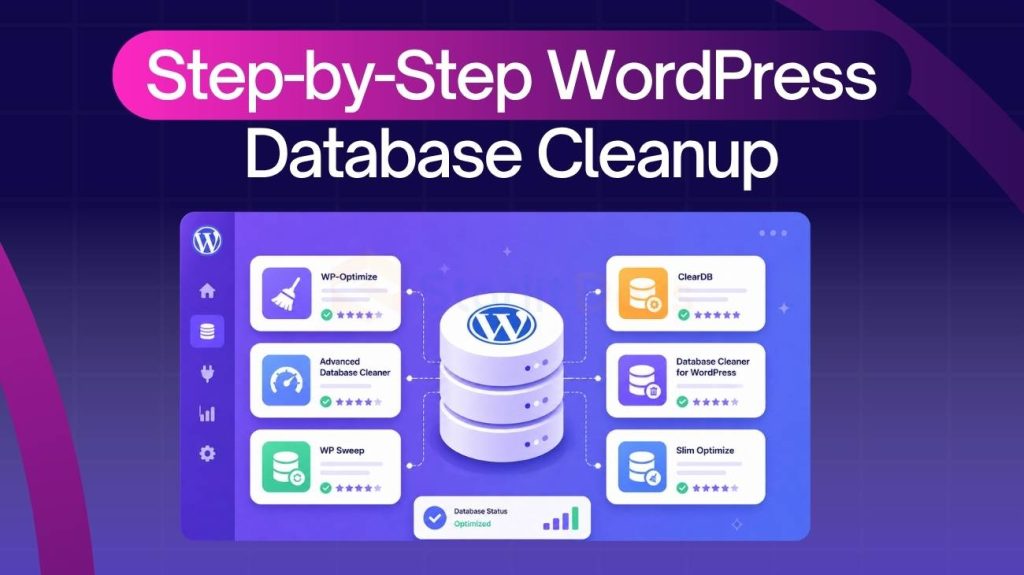
Step-by-Step WordPress Database Cleanup Guide
A WordPress database cleanup guide becomes actionable when you follow a structured, safe process. Skipping steps or rushing cleanup can break functionality, especially on client or production sites.
Use this checklist to clean databases efficiently without risk.
1. Backup Your Database First
Before making any changes, create a full database backup.
This is non-negotiable.
If anything goes wrong, you need a restore point. Use your hosting backup system or a plugin to export the database safely.
2. Remove Post Revisions
Post revisions can quickly inflate your database size.
You can:
- Delete all revisions
- Limit future revisions via wp-config.php
define(‘WP_POST_REVISIONS’, 5);
This keeps your database lean without losing version control completely.
3. Delete Spam and Trashed Comments
Clear out:
- Spam comments
- Trashed comments
- Unapproved comments
These entries have no value once filtered. Removing them reduces unnecessary table size and improves query efficiency.
4. Clean Up Transients
Expired transients are safe to remove.
They often remain even after expiration, especially on sites with heavy plugin usage.
Cleaning them:
- Frees up space
- Improves database response time
Be careful not to delete active transients that are still in use.
5. Remove Unused Plugins and Orphan Tables
Deactivating a plugin is not enough.
You should:
- Delete unused plugins completely
- Remove leftover tables (if safe)
Some plugins leave behind large datasets. These can significantly slow down your database.
6. Optimize Database Tables
After cleanup, optimize your tables.
This process:
- Reorganizes stored data
- Reduces overhead
- Improves query speed
Most database tools or plugins include a one-click optimization feature.
7. Schedule Regular Cleanups
Cleanup is not a one-time task.
Set a routine:
- Monthly for small sites
- Weekly for high-traffic or WooCommerce sites
Automated cleanup helps maintain long-term performance without manual effort.
Many agencies handle basic cleanup with plugins. However, deeper optimization often requires manual inspection and performance analysis.
That’s why teams managing multiple client sites often rely on experienced partners like StarlitDevs to ensure nothing critical is removed while maximizing performance gains.
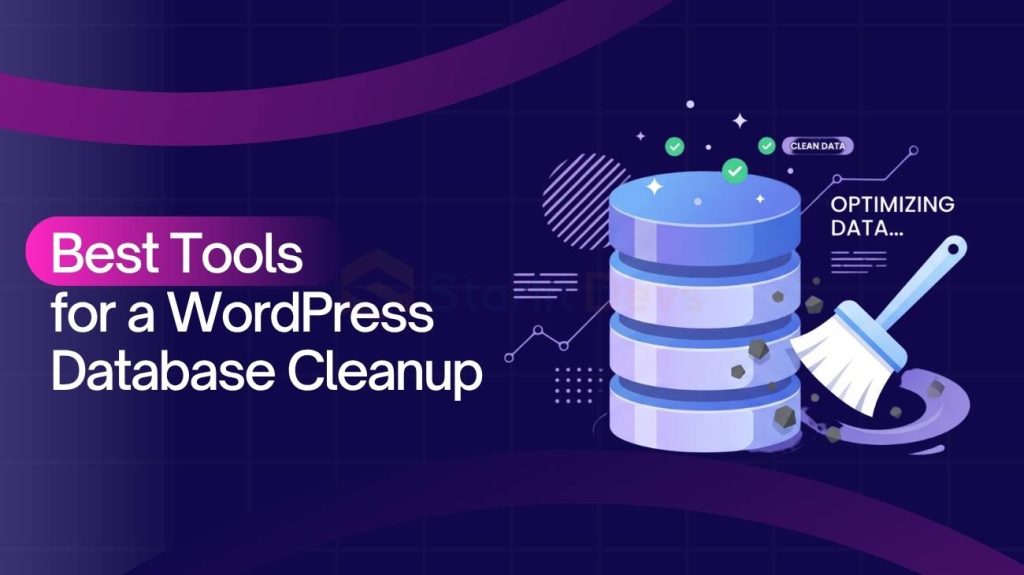
Best Tools for a WordPress Database Cleanup Guide
A WordPress database cleanup guide is far more efficient when paired with the right tools. Plugins can automate repetitive tasks, reduce manual effort, and minimize risk when used correctly.
However, not all tools offer the same depth of cleanup.
Here are the most reliable options used by agencies and developers:
WP-Optimize
One of the most popular all-in-one optimization plugins.
Key features:
- Remove post revisions, drafts, and spam comments
- Clean expired transients
- Database table optimization
- Scheduling automated cleanups
It’s beginner-friendly and suitable for most standard WordPress sites.
Advanced Database Cleaner
Best suited for deeper, more controlled cleanup.
Key features:
- Detect orphaned tables from deleted plugins
- Clean specific database tables selectively
- Identify unused scheduled tasks (cron jobs)
- Detailed overview of database size and structure
This tool gives developers more precision, which is useful for complex or long-running sites.
WP-Sweep
A lightweight plugin focused on simplicity.
Key features:
- Cleans revisions, auto drafts, and metadata
- Removes orphaned relationships
- Uses native WordPress functions for safer cleanup
Ideal for users who want a straightforward solution without extra features.
Which One Should You Use?
- Small sites: WP-Optimize is usually enough
- Medium to large sites: Advanced Database Cleaner offers better control
- Quick cleanups: WP-Sweep works well
That said, plugins have limitations.
They can remove obvious clutter, but they often miss:
- Complex orphaned data
- Inefficient table structures
- Performance bottlenecks tied to database queries
This is where a more strategic approach becomes important.
Many agencies combine tools with manual audits or work with specialists like StarlitDevs to ensure deeper optimization, especially for high-traffic or client-critical websites.
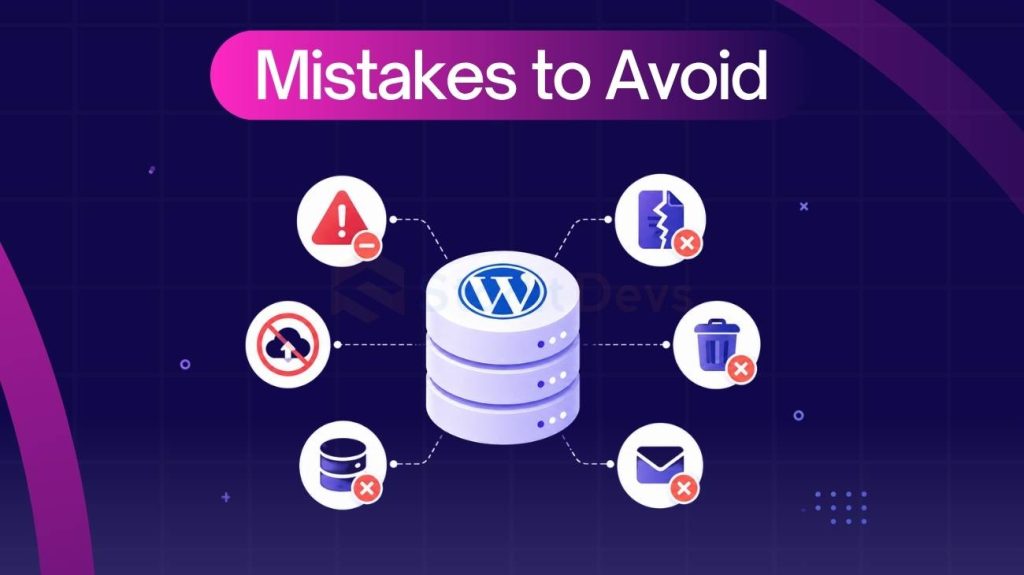
Mistakes to Avoid in a WordPress Database Cleanup Guide
A WordPress database cleanup guide can boost performance, but mistakes can break your site or remove critical data.
Common mistakes to avoid:
- Skipping backups: Always back up your database before making changes.
- Over-cleaning: Not all data is junk. Removing active transients or required metadata can break functionality.
- Relying only on plugins: Tools miss deeper issues like orphaned data and inefficient queries.
- Ignoring wp_options: Bloat here slows down every page load.
- No regular schedule: Cleanup must be ongoing to prevent performance decline.
- Deleting data blindly: Removing plugin tables without understanding dependencies can cause errors.
Avoiding these ensures safe, consistent optimization, especially when managing multiple sites.
How Often Should You Use a WordPress Database Cleanup Guide?
A WordPress database cleanup guide should be part of regular maintenance, not a one-time fix.
Recommended frequency:
- Small sites: Once a month
- Content-heavy sites: Every 2–3 weeks
- WooCommerce/high-activity sites: Weekly
Higher activity means faster data buildup, requiring more frequent cleanup.
Approach:
- Automated cleanup: Good for routine maintenance
- Manual/expert cleanup: Needed for deeper optimization
Best practice: Combine both. Use automation regularly and perform periodic manual audits.
Many agencies follow this hybrid approach, often relying on expert support for complex or high-impact sites.
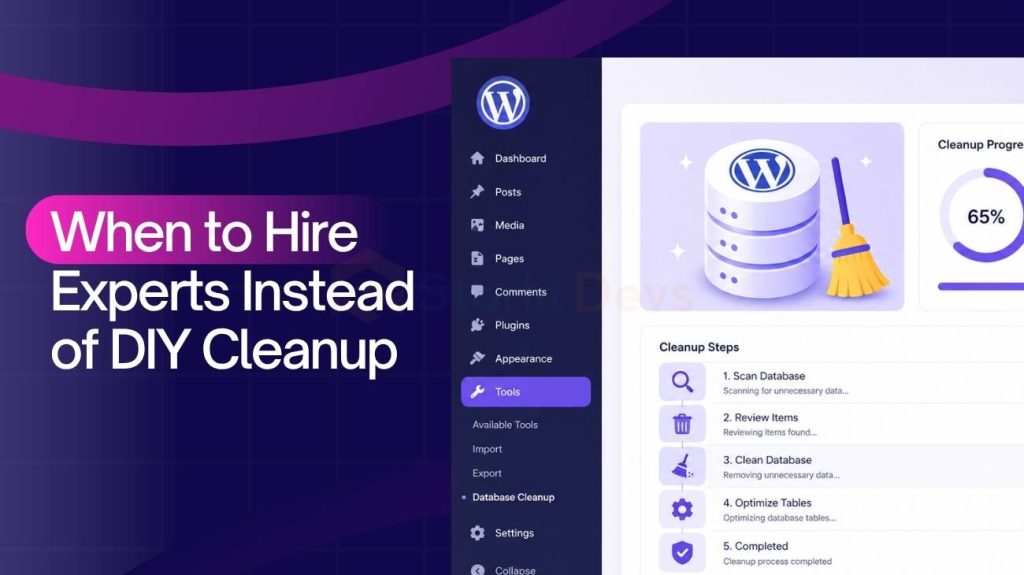
When to Hire Experts Instead of DIY Cleanup
A WordPress database cleanup guide works for routine tasks, but complex sites often need expert handling.
Consider experts when:
- Large databases: Multiple tables, custom data, and heavy metadata increase risk
- Slow dashboard: Issues like inefficient queries or wp_options bloat need deeper analysis
- WooCommerce/dynamic sites: Sensitive data like orders and sessions require careful handling
- Unclear dependencies: Removing the wrong tables can break functionality
- Performance issues remain: Plugins didn’t fix underlying problems
Why agencies outsource:
- Safer cleanup
- Deeper optimization
- Consistent performance across sites
That’s why many teams rely on experts like StarlitDevs for reliable, performance-focused database optimization.
FAQs About WordPress Database Cleanup Guide
A WordPress database cleanup guide often raises practical questions, especially around safety, impact, and long-term maintenance. Here are the most common ones agencies and developers ask:
Does database cleanup really improve website speed?
Yes.
Cleaning your database reduces unnecessary data, which leads to:
- Faster query execution
- Reduced server load
- Improved page load times
While it won’t replace caching or CDN optimization, it significantly improves the core performance layer.
Is WordPress database cleanup safe?
It is safe if done correctly.
Key precautions:
- Always take a backup
- Avoid deleting unknown tables
- Use reliable tools or expert guidance
Most issues arise from over-cleaning or removing essential data without understanding dependencies.
Can plugins handle complete database cleanup?
Plugins can handle basic and routine cleanup, such as:
- Removing revisions
- Deleting spam comments
- Clearing transients
However, they often miss:
- Complex orphaned data
- Inefficient table structures
- Deep performance bottlenecks
For full optimization, manual review or expert involvement is often needed.
Will database cleanup affect SEO?
Indirectly, it can improve SEO.
A cleaner database leads to:
- Faster page load speed
- Better user experience
- Lower bounce rates
These factors contribute to improved search performance over time.
Do I need technical knowledge to clean a database?
Basic cleanup can be done with plugins and minimal technical knowledge.
However, advanced cleanup requires:
- Understanding database structure
- Identifying dependencies
- Knowing what not to delete
For agencies and developers, this is usually manageable. For others, expert support may be a safer option.
Conclusion: Clean Database, Faster WordPress
A WordPress database cleanup guide is not just about removing clutter. It’s about maintaining a fast, efficient, and scalable website.
Over time, even well-managed WordPress sites accumulate unnecessary data. Without regular cleanup, this directly impacts performance, user experience, and overall site reliability.
By following a structured approach, you can:
- Reduce database size
- Improve query performance
- Keep your site running smoothly
For agencies and developers, this becomes a repeatable optimization process across multiple projects.
If your site is growing or performance issues are starting to show, it may be time to go beyond basic cleanup.
StarlitDevs offers expert database optimization and performance-focused audits to help you clean, optimize, and scale your WordPress sites safely.
Book a consultation today and ensure your database is working for you, not against you.

Founding Starlit Devs has allowed us to extend our expertise globally, serving over 500 clients, including Fortune 1000 companies, with custom web development services. Our commitment to delivering exceptional design and development is coupled with a deep understanding of SEO, which has been pivotal in empowering businesses to achieve maximum online engagement and brand growth. At Starlit Devs, we take pride in our mission to provide websites that stand out in a competitive digital landscape and drive tangible results for our clients.
- Mahfuz M
