
WordPress Troubleshooting Services - Fix Issues Fast & Keep Your Site Stable

Site down, slow, or throwing errors you don't recognize? Our WordPress troubleshooting services find the actual cause instead of guessing, fix it, and check the surrounding code so it doesn't come back next week. No long-term contract required to get help today — just tell us what's broken. 
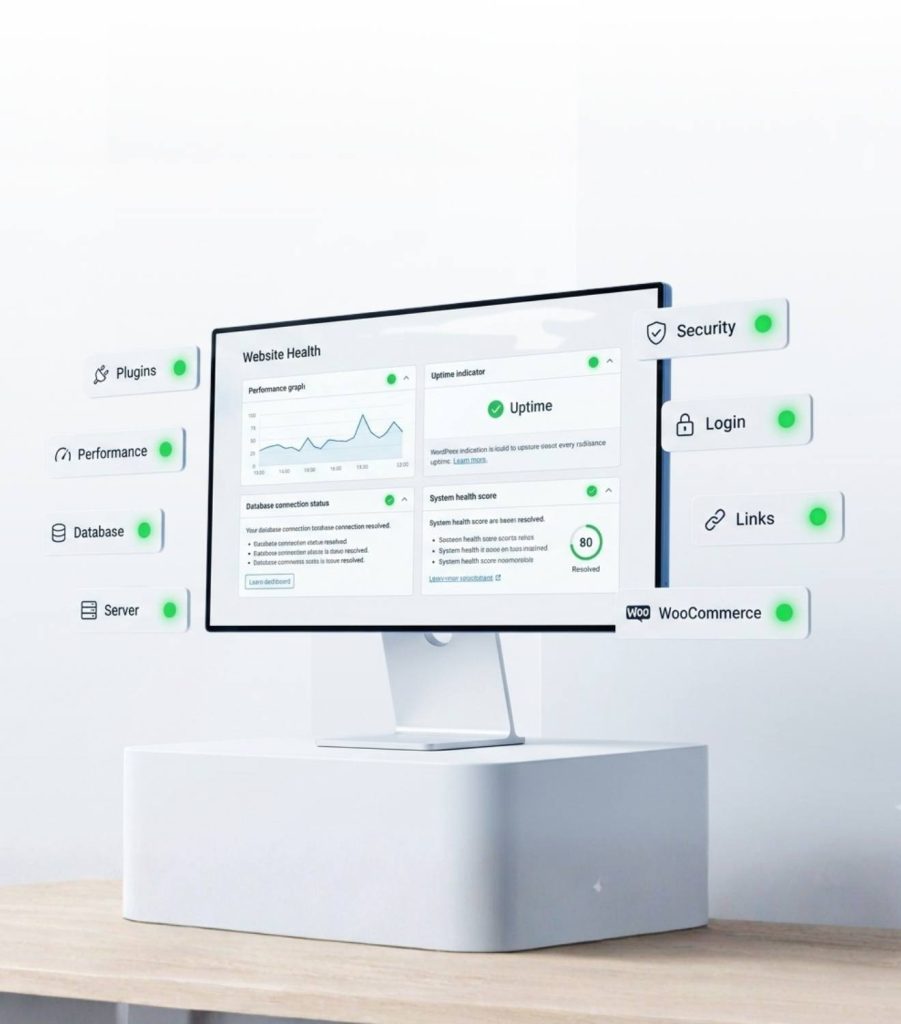
Site Broken or Slow? Get Expert WordPress Help in Minutes

You’ve cleared the cache, refreshed the page, maybe even restarted your router out of desperation. It’s still broken, and the error message you Googled just points to forum threads that don’t match your setup.
That’s normal. WordPress runs on a combination of plugins, themes, PHP versions, and hosting environments that were never tested together, so when something breaks, the real cause is often a few steps removed from the symptom you’re looking at. A plugin update can quietly break a payment gateway. A silent server-side PHP upgrade can turn a theme that worked fine for years into a fatal error overnight.
You don’t need to diagnose it yourself. Send us the error, a screenshot, or just “it’s a white screen and it happened after I updated something,” and we’ll take it from there.

What We Fix (Common WordPress Problems We Solve Daily)

This is the short list of what comes across our desk most often — if your issue isn’t here, ask anyway.
What We Fix (Common WordPress Problems We Solve Daily

Critical errors & downtime

White screens, “critical error” notices, sites stuck in maintenance mode

Speed problems

Slow page loads, sluggish wp-admin, failing Core Web Vitals scores

Plugin & theme conflicts

An update that broke your layout, a feature, or the whole site

Update & migration errors

Failed updates, broken links, wrong URLs or missing images after a move

WooCommerce issues

Carts that won’t update, checkout failures, missing order emails

Database & server errors

500 and 502 errors, memory limit crashes, DNS and SSL problems

Security & access issues

Lockouts, strange redirects, hacked or flagged sites

Emergency WordPress Support: Critical Errors, Downtime & White Screen Fixes

A white screen means PHP hit a fatal error and stopped rendering, usually without showing you why. "There has been a critical error on your website" is the same problem with a slightly more informative label.  

Either way, we start by pulling the real PHP error log rather than relying on the vague message a visitor sees, and trace it to the exact file and line that failed. 

Most of the time it's a plugin conflict, a broken theme function, or a corrupted file from an interrupted update. We isolate the exact cause instead of switching everything off and guessing. 

If your site is down right now, this is what to act on first — we triage emergencies ahead of scheduled work. 

Speed & Performance Troubleshooting (Core Web Vitals, Slow Admin, Hosting Issues)

A slow site is usually a stack of small problems: database bloat, unused scripts, a plugin hammering the database on every load, or hosting that’s outgrown your traffic.
We diagnose against your Core Web Vitals and server response time, then fix what’s actually slowing you down — not just add another caching plugin. We’ve taken sites from 8 seconds to under 2, without touching the design. Covers a slow wp-admin too.

Plugin/Theme Conflict Resolution & Compatibility Fixes

You update one plugin and the checkout button stops working, or the page builder throws a blank screen, or the front end looks fine but wp-admin is a mess. This is almost always two pieces of code fighting over the same script version or the same function name.
We isolate the exact conflict on a staging copy of your site — never on the live version — then apply a targeted fix: a compatibility patch, a version pin, or a small custom snippet, without disabling the plugin you actually need.
For page builders like Elementor or Divi, we also check for leftover CSS and JS from previous versions, since that’s a common cause of the same symptom resurfacing weeks later.

Update & Migration Issues (Failed Updates, PHP Errors, Site Moves)

A failed update can leave your site stuck on “Briefly unavailable for scheduled maintenance.” We clear that safely, then fix what caused the failure — usually a PHP mismatch, a timeout, or an outdated plugin.
Migrations bring their own issues: old URLs, broken database references, missing media, and mixed-content warnings. We track these down and fix them without causing new ones.

WooCommerce Troubleshooting (Cart, Checkout, Payments, Emails)

A broken store is a different kind of emergency — every hour it stays broken is revenue you can measure. So we treat it as a priority. We fix carts that won’t update, checkouts that hang on payment gateway errors, and order emails that stop sending without warning. We also handle stock sync issues, tax miscalculations, and shipping rates that suddenly break.

Database & Server Error Fixes (500 Errors, Memory Limits, DNS/SSL Issues)

"Error establishing a database connection" usually means bad credentials, a corrupted table, or an overloaded server — we check all three and repair tables directly instead of restoring a full backup. 

A 500 error often points to a memory limit that's too low for your site. We also fix gateway timeouts, DNS issues after a domain move, and SSL problems like expired certificates and mixed-content warnings. 

Security & Access Issues (Login Problems, Redirects, Suspicious Behavior)

Usually a simple fix — a security plugin blocking failed logins, a corrupted session, or a lost two-factor code. We restore access directly through the database or files.
If it’s more serious — strange redirects, unfamiliar admin accounts, a Google “hacked” warning — we scan for injected code, find any backdoor files, and close the actual entry point, not just the visible symptom.

Our Troubleshooting Process:
Diagnose → Fix → Test → Prevent

Diagnose

We pull real server and PHP logs, review recent changes, and reproduce the issue on a staging copy before touching anything live.

Fix

We apply the specific fix the diagnosis points to: a code patch, config change, database repair, or plugin rollback, not a guess.

Test

We check the fix across your key pages (home, checkout, forms) and devices before calling it done.

Prevent

We flag what caused it: an outdated plugin, an undersized hosting plan, a gap in your backup schedule.
You get a plain-language summary of what broke, why, and what we did.

Ongoing WordPress Maintenance & Support Plans

A one-time fix solves what's broken today. A maintenance plan is for sites where you'd rather the problem never happen again — managed updates, daily backups with tested restores, uptime monitoring, security scanning, and a set number of monthly support requests, all handled by a team that already knows your site. 

If you're not sure which you need, we'll tell you honestly. A site that breaks once every couple of years doesn't need a plan. A store, or a site where downtime costs real money, usually does. 

Testimonials / Case Studies

Marlow & Finch Home Goods checkout recovery during peak launch traffic

Marlow & Finch, a home goods retailer running WooCommerce, saw checkout fail completely during a scheduled product launch, its highest-traffic day of the quarter. A previous freelancer had already attempted a fix and made the problem worse by disabling the wrong plugin. Our team traced the failure to an expired payment gateway API key that had silently stopped authorizing transactions after a plugin update three days earlier, not a server or hosting issue as first assumed. We restored the connection, verified test transactions across all payment methods, and stayed on standby through the remainder of the launch window. Result: checkout was fully restored in 40 minutes, an estimated $3,000 in missed sales was recovered within the same day, and no orders placed during the outage were lost.

Frequently Asked questions

How fast can you actually fix my site?
Most issues are diagnosed within an hour of getting access, and simple problems — a plugin conflict, a locked-out login, a broken form — are usually resolved the same day. Complex jobs, like a deep security cleanup or a messy migration, get an honest timeline upfront instead of an optimistic guess.
Yes, at minimum, wp-admin access, plus hosting or FTP access for server-level issues like memory limits or .htaccess problems. We only use what the specific fix requires, and access can be revoked as soon as the work is done.
Rare, but if the issue turns out to need something beyond troubleshooting — a full rebuild, say — we’ll tell you plainly, and you won’t be charged for work that didn’t solve the problem.
One-time fixes don’t require any ongoing commitment. Plans exist for people who want the same problems prevented going forward, not as a condition of getting help today.
We test significant fixes on a staging copy first and take a full backup before touching a live site. If something has to happen directly on production, we explain why before we do it.
Yes — common hosts (Bluehost, SiteGround, WP Engine, Kinsta, Cloudways, and others), popular themes, and builders including Elementor, Divi, and the block editor. If your setup is unusual, mention it upfront so we can flag anything relevant.

Get a Quick Diagnosis / Book WordPress - Support Now

Every hour a broken site stays broken is an hour of visitors bouncing, customers giving up at checkout, or a client wondering why you haven't called back. Tell us what's wrong, however you'd describe it — even "it's white" or "it just stopped working" is enough to start. 

Scroll to Top